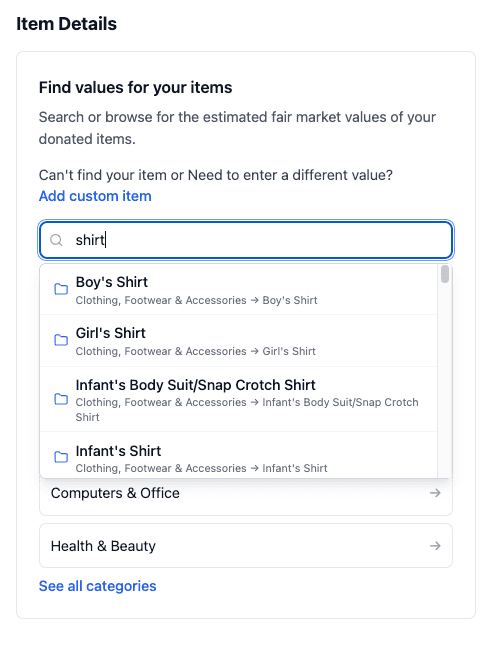
When you’re adding new donations, it’s quick and easy to create something from scratch, but what if you want to go back and edit a donation you previously made for Items? This article will walk you through how to do that.
First, go to the View Item Donations section from the dashboard:
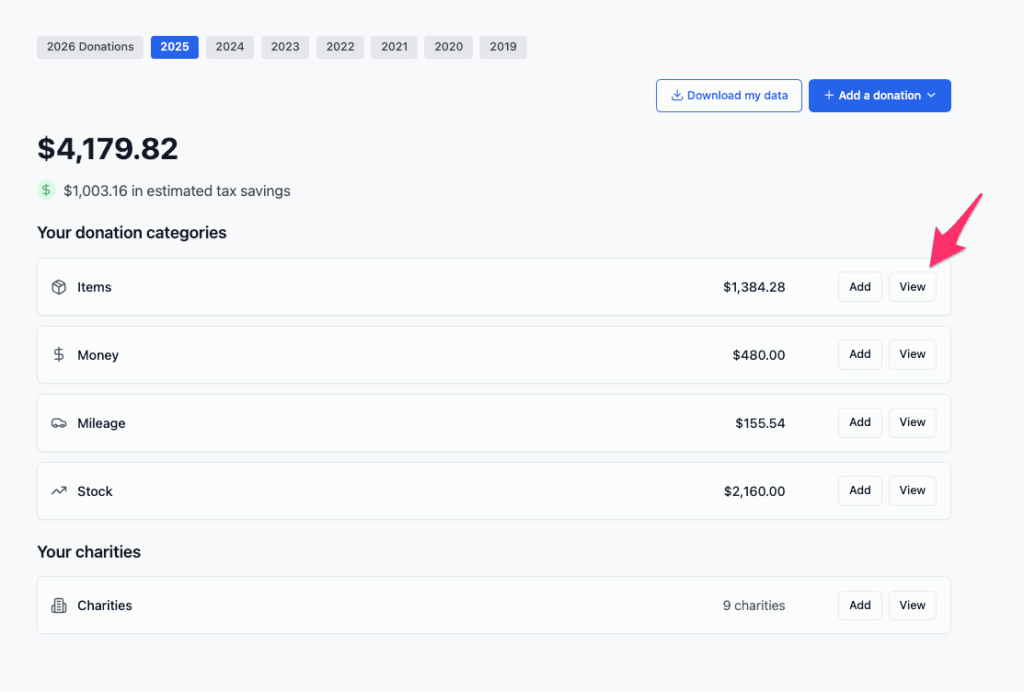
Next, you’ll be shown a list of the donations you’ve made so far. The are sorted by donation date, with the most recent ones first. Find the donation you want to edit.

You can also use the search field to find the charity, the date, or the amount of the donation. (You can’t search on items in the donation, however)
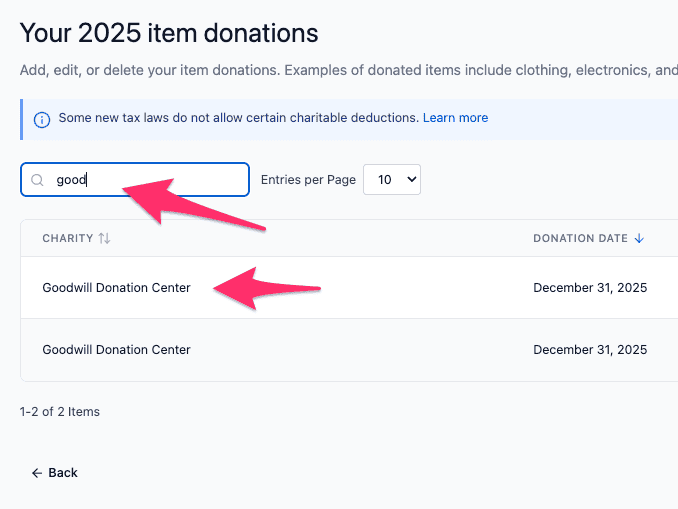
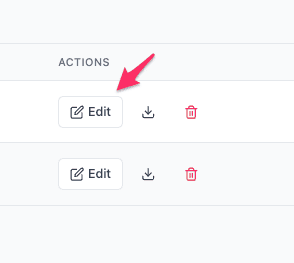
Once you find the donation, click the Edit button on the right side:
Now you can make changes to the item donation.
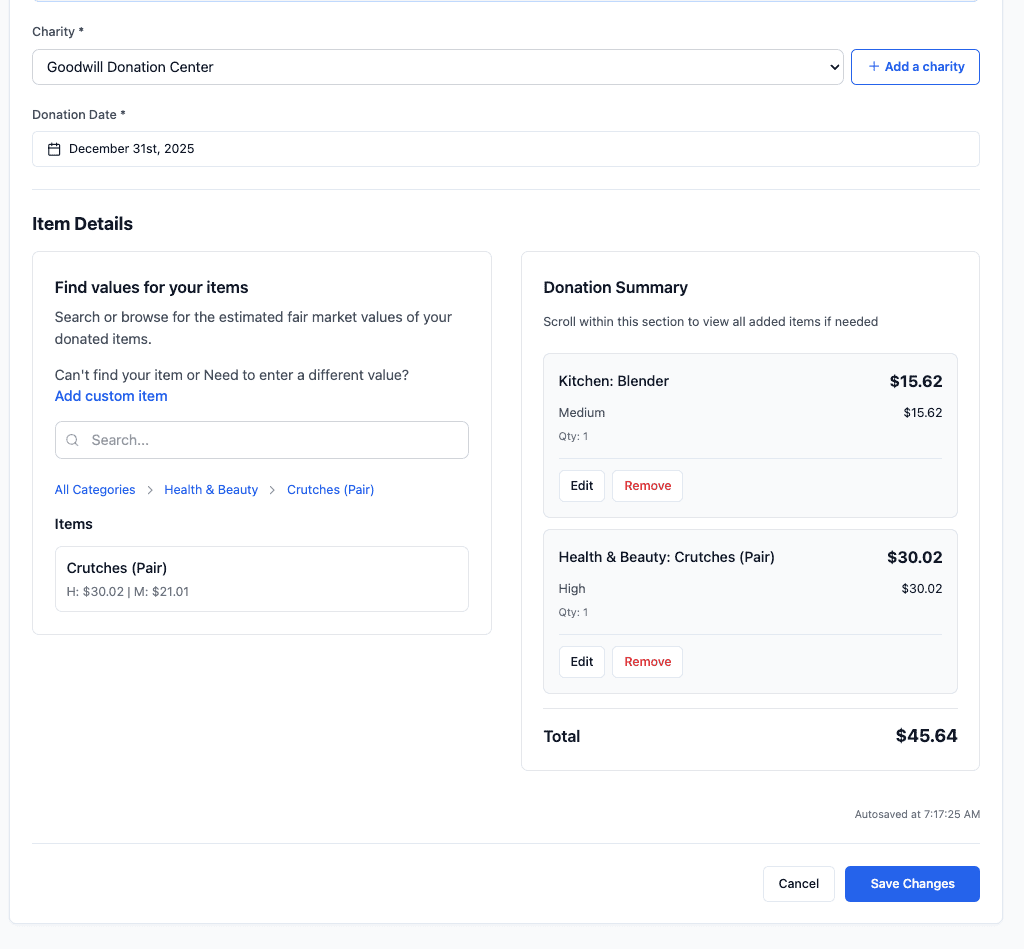
The items you already added are in the panel on the lower right part of the screen.
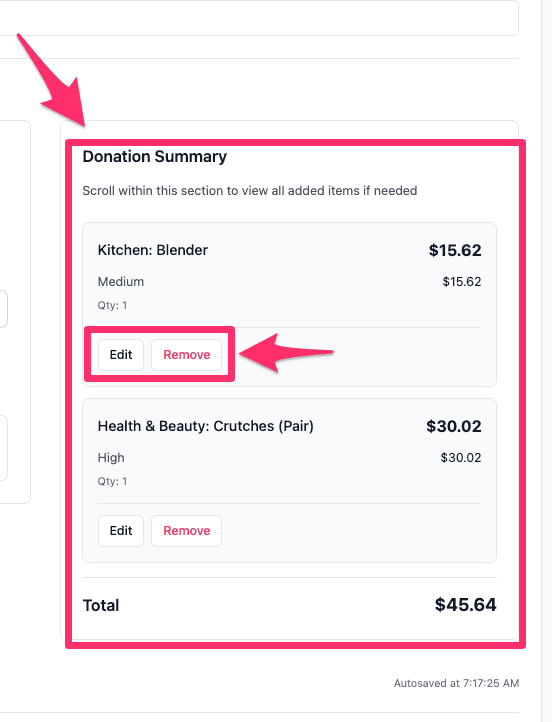
You can search for more items on the lower left, or remove/edit item quantities on the items themselves.